

6 Linux Replacements for Google Drive
-
 By Emmanuel W.
 - Technology
- Mar 11, 2025
- 5 minutes read
- 519 Views
Here are 6 powerful Linux alternatives that can help you fill that void.
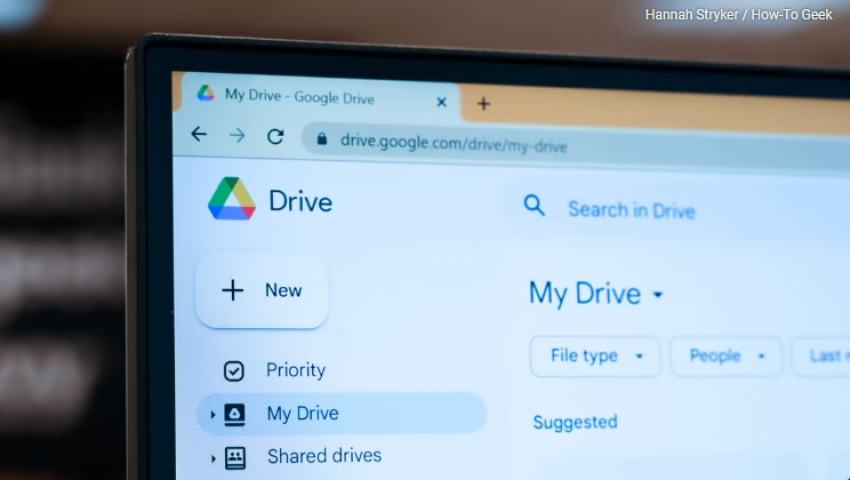
With no official Linux client, die-hard users have to rely on third-party apps for syncing. Additionally, if you value your privacy you might not want to store your files on Google’s servers due to data collection concerns. If you're an open-source enthusiast, you may also prefer self-hosted or more transparent alternatives. If any of these issues resonate with you, here are six excellent Google Drive alternatives for Linux.

MEGA is a commercial cloud storage service that provides strong encryption and native Linux support in addition to a sleek and intuitive web interface.
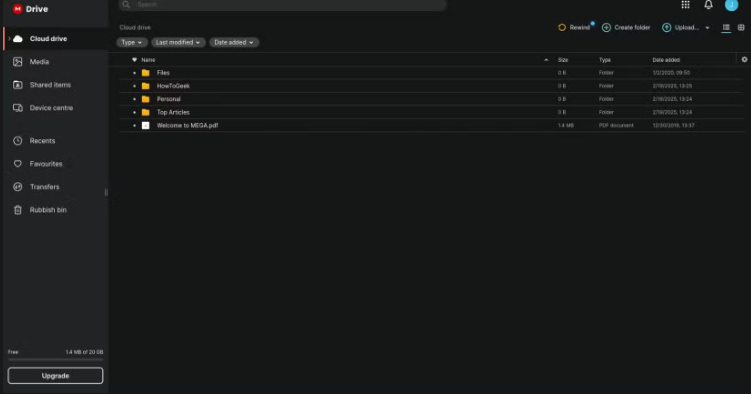
Key Features
Offers end-to-end encryption, ensuring your files remain private.
Generous 20GB free plan with paid options for more storage.
Official Linux client for seamless integration.
Secure file sharing with password protection.
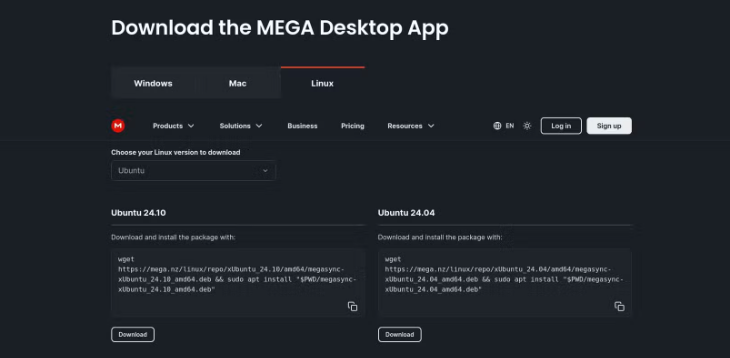
Google Drive Alternative Potential
MEGA is ideal for users who want a privacy-focused cloud storage service without self-hosting. The 20GB free plan also gives you more space than Google’s default of 15GB. However, like Google, you will have to pay extra if you find that you need more space.

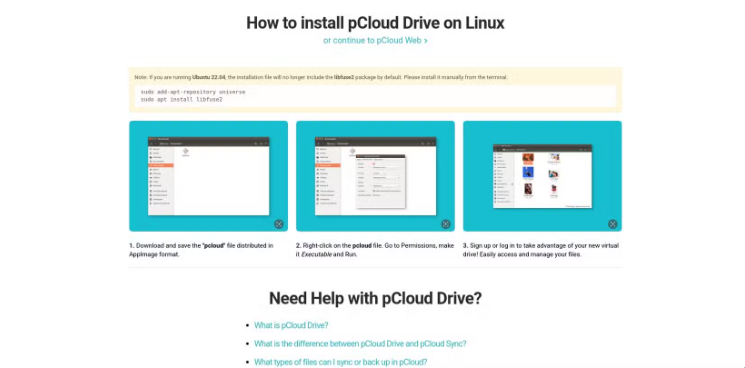
pCloud is another commercial cloud storage provider with strong Linux support. It provides a balance between usability and security.
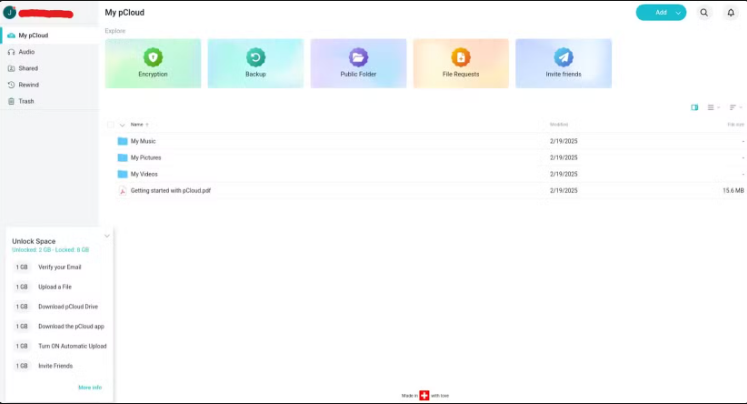
Key Features:
Native Linux client for easy file syncing.
Zero-knowledge encryption (available as an add-on for paid users).
Competitive pricing for both lifetime and subscription plans.
Easy sharing and collaboration features.
Pricing and Usability vs. Google Drive
pCloud offers a compelling alternative for Linux users who want secure cloud storage with an official client. There are two significant drawbacks to pCloud, however. Encryption is not provided with the free plan, and space on the free plan is very limited at a maximum of 10GB.

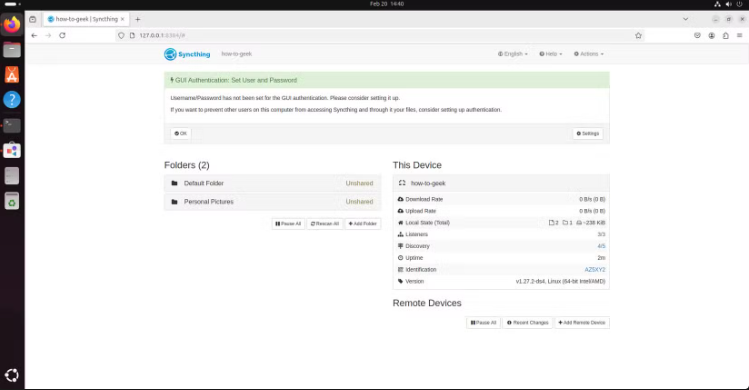
Syncthing takes a different approach by offering peer-to-peer file synchronization. Instead of uploading your data to a central cloud server, it syncs files directly between your devices. You can also set up a server as part of the synchronization chain to act as a backup location.
Key Features
No central server, meaning your files remain under your control.
Strong encryption and privacy-focused design.
Cross-platform support, including Linux, Windows, macOS, and mobile devices.
Automatic synchronization of selected folders.
Easy install through main repositories for most Linux distributions.
Advantages and Limitations
Syncthing is great for those who want secure, decentralized file syncing without relying on external cloud services, even across the internet. However, it doesn’t offer built-in document editing or online collaboration features like Google Drive.

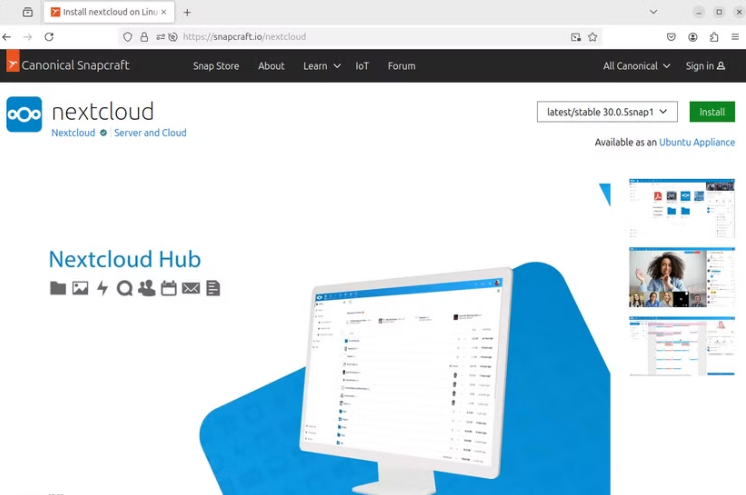
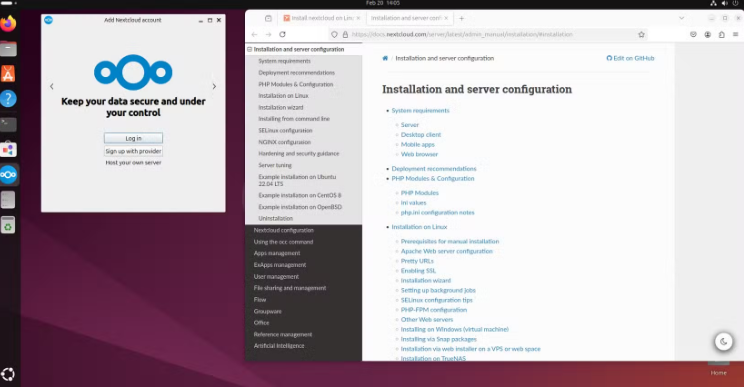
Nextcloud is one of the most well-known self-hosted cloud storage solutions available today. It allows you to set up your own cloud server, giving you full control over your data. You can choose from third-party managed and hosted Nextcloud servers, installing Nextcloud on your own web server, or installing on your own server in your home or office.
Downloads are available for all major Linux distributions. Ubuntu users (and others with snap support installed) can quickly download and install the server as a snap package.
Key Features
Open-source and self-hosted, ensuring complete privacy.
File synchronization across devices.
Built-in collaboration tools similar to Google Drive, including document editing, chat, and calendar features.
End-to-end encryption for added security.
How It Compares to Google Drive
If you’re looking for a full-featured alternative that you can control, Nextcloud is a fantastic option. It has nearly all of the same features as Google Workspace apps including video meetings and more. The downside is that there are many different installation options that can be overwhelming for novice Linux users. There are, however, several ready-to-run solutions but they are not free.

Seafile is a high-performance, self-hosted file syncing solution that is particularly well-suited for teams and enterprises that need the ability to work on collaborative projects.
Key Features
Lightweight and efficient file syncing with minimal system resource usage.
Strong team collaboration features, including shared libraries and permission controls.
Optional end-to-end encryption for enhanced security.
Self-hosted and commercial cloud versions available.
Sync files between devices or access directly over network.
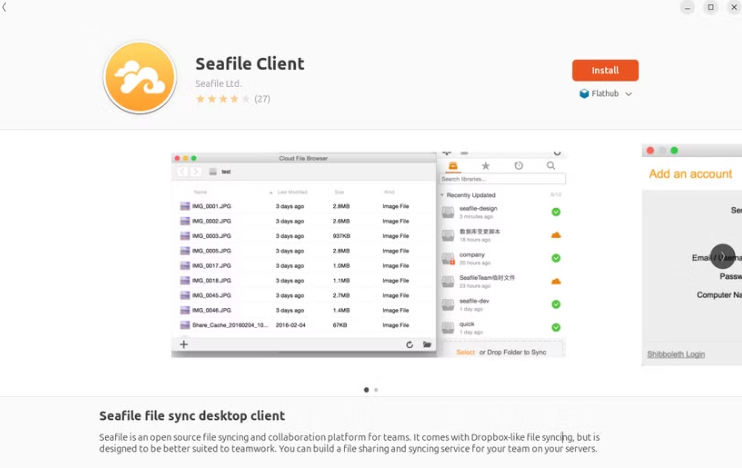
Security and Speed Advantages
Seafile is one of the fastest syncing solutions available and is great for users who prioritize performance. Some manual installation is necessary to set up the server, but it is not complicated. Client apps are available in the repositories of most Linux distributions. The system does include some useful collaboration tools, but they are not as extensive as those you find in Google Drive.

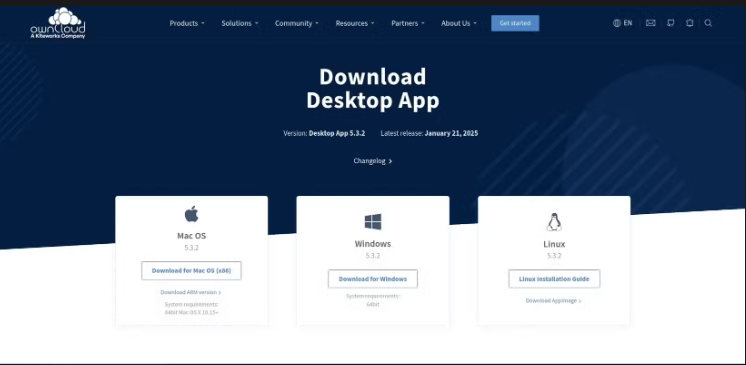
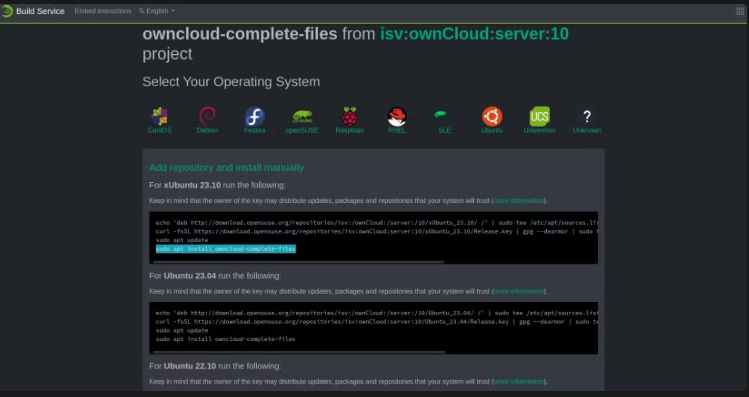
OwnCloud is another self-hosted cloud storage solution that offers features similar to Nextcloud but with different flexibility and enterprise options. Server and client applications are easy to install and readily available for all Linux distributions.
Key Features
Self-hosted storage with complete control over data.
File sharing and syncing across multiple devices.
Large enterprise support with premium features for businesses.
Customizable with a wide range of add-ons and integrations.
Comparison with Google Drive
OwnCloud is similar to Nextcloud in many ways, but it’s often chosen by enterprises due to its business-oriented support and customization options. If you want a more corporate-ready, open-source cloud alternative, this is a strong choice.
If you’re a Linux user looking for an alternative to Google Drive, you have several excellent options depending on your needs:
For self-hosted cloud storage with collaboration tools: Nextcloud or OwnCloud.
For decentralized, privacy-focused file syncing: Syncthing.
For a secure hosted cloud solution with Linux support: MEGA or pCloud.
For a fast, efficient file syncing system for teams: Seafile.
Each of these services has its own pros and cons, so consider your priorities—whether it’s security, collaboration, or ease of use—before making your choice. Whatever your needs are, one of these solutions is sure to work for you.
Emmanuel W.
Leave a comment
Your email address will not be published. Required fields are marked *